
Data Stewardship and Privacy
Data Stewardship
CatChat is run on-premise at Montana State University and provided to Faculty, Staff, and Students free of charge, supported by technology fees. CatChat is approved for use with data which is classified as “Public” (data which may be released to the general public in a controlled manner) or “Restricted” (such as FERPA protected data, financial transactions which don’t include confidential data, contracts, etc.) by the Bozeman Data Stewardship Standards. Unlike many commercial generative AI systems, CatChat keeps your data in-house and does not use it to retrain public models.
The above approval for public and restricted data types does not imply approval for any specific use cases. It is important to follow institutional, departmental, and instructor guidelines for allowable and appropriate uses of AI tools. CatChat and the models contained within are experimental and may produce inaccurate or incomplete results, so output should always be verified.
CatChat logs input to enable chat history, but MSU is only permitted to access this data through a formally approved and compliant legal or academic integrity claim. Student data in CatChat is protected by FERPA (https://www.montana.edu/registrar/ferpa/) which outlines access to student education records and related information, including disclosures for legitimate educational interests (e.g., academic integrity investigations). MSU’s Code of Student Conduct / Academic Integrity (https://www.montana.edu/policy/student_conduct/index.html) establishes MSU's authority and process for academic integrity reviews; any request for access to logged data would occur in that context.
Environmental Impact
Catchat is maintained by Research Computing with computational resources provided by the Tempest supercomputer which is powered by approximately 80% renewable energy and cooled with systems that do not consume water.
Logging In
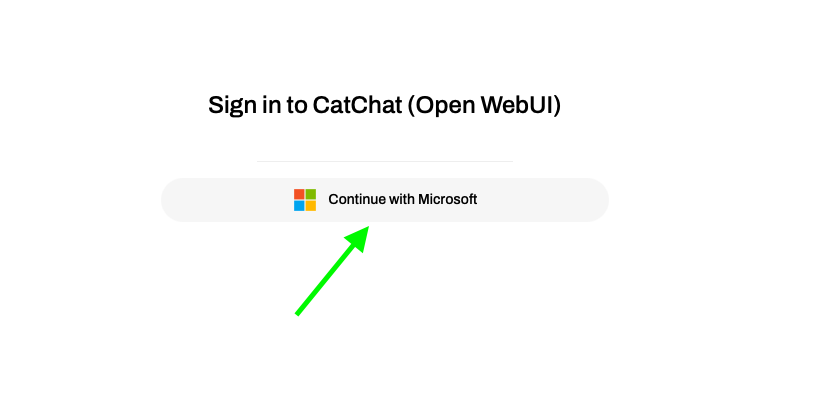
When you load the webpage click ‘Continue with Microsoft’
You will be redirected to the 4 Campus Login Page
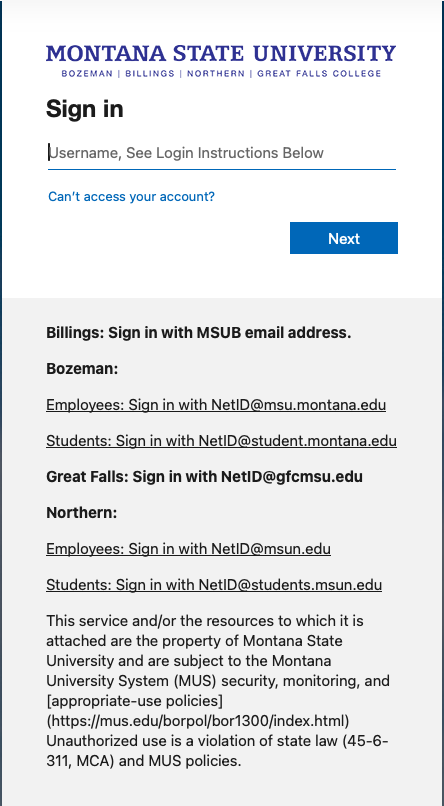
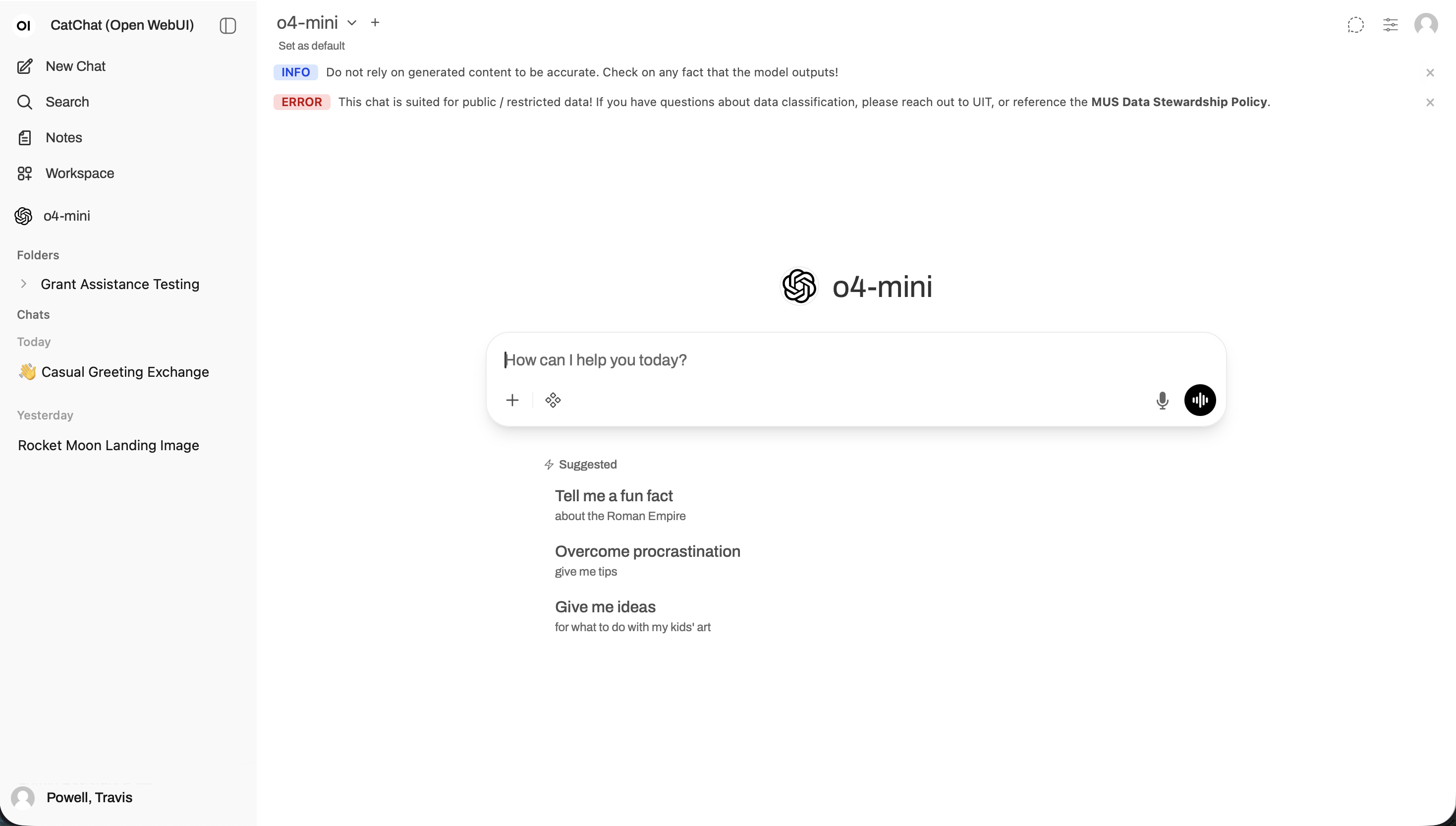
Sign in with your appropriate credentials, then you will get an interface like this