

Adobe Campus License
There is a new process to claim your Adobe license. See below to find out more about this process.
Eligibility:
Under the MSU Adobe campus license agreement:
Students are automatically enrolled and can download Adobe Creative Cloud software at no additional cost. Adobe CC includes the option to download Acrobat Pro DC. Visit ATO's Adobe web page for more information and support.
Faculty and staff are automatically licensed for Acrobat Pro DC. Software can only be downloaded on university-owned computers. Visit the Adobe Creative Cloud for Faculty and Staff page for download and installation instructions.
New Adobe License Claim Process
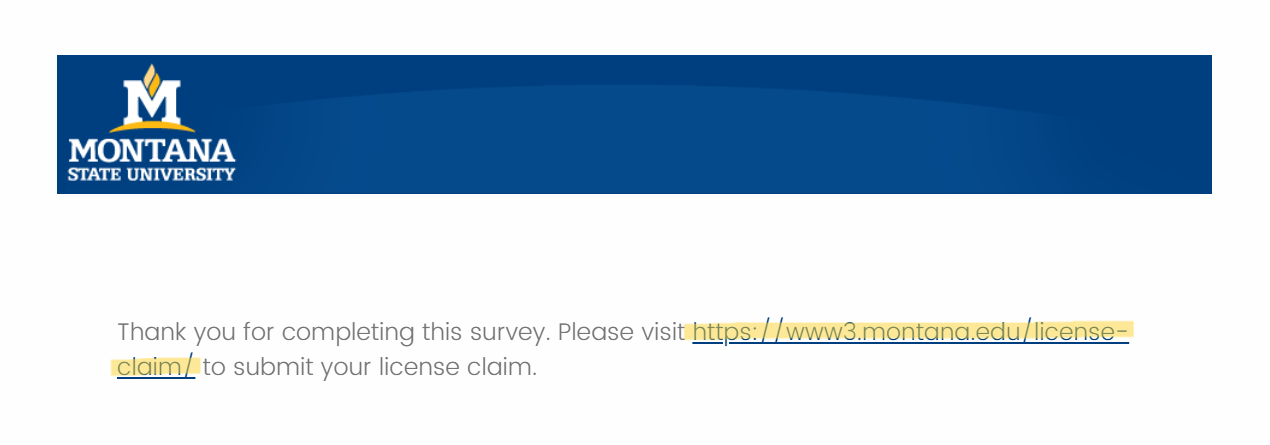
There is a new method of acquiring or renewing an Adobe license. Simply fill out this Adobe usage survey by the Academic Technology team, click the link on the completion screen, and then you will then be directed to a web page where you can reclaim or acquire your license. Your answers to this survey do not affect your acquisition or eligibility for a license. This license will last for one year.
Make sure that once you’ve completed the survey, you still click the link to continue on to the claim page:
Download software:
To download software or make changes on an MSU-owned Windows device, faculty, staff, and student employees/graduate assistants must use Make Me Admin, a tool that allows users to perform privileged actions on a temporary basis.
Creative Cloud -
 Faculty/Staff complete the Adobe CC Request form to request a license.
Students visit Adobe Creative Cloud for MSU students for instructions on downloading Creative Cloud.
Other information:
- Adobe Creative Cloud desktop and mobile apps
- System Requirements for Creative Cloud
Training
Acrobat DC Pro
Acrobat DC Pro Essentials - tutorial on Linked In Learning.
Adobe Creative Cloud
- Adobe CC Learn & Support portal - user guides and tutorials
- Adobe CC Training - training courses offered through Adobe
Additional tools -
Adobe Document Cloud for Office 365
An add-in that makes working with PDFs in Office 365 Word, Excel and PowerPoint even
more efficient (includes desktop and online apps).
Get Adobe Document Cloud for Office 365.